Inbound Audio Not Captured: Fix VoIP Call Recording Issues
When inbound audio not captured, a common VoIP issue where incoming voice fails to record during calls. It’s not a glitch—it’s usually a misconfiguration in your SIP setup, codec selection, or audio routing. You hear the caller just fine, but when you play back the recording, their voice is gone. This isn’t rare. It happens to teams using FreePBX, Zoom, RingCentral, or any SIP-based system when the audio path doesn’t align with the recorder’s expectations.
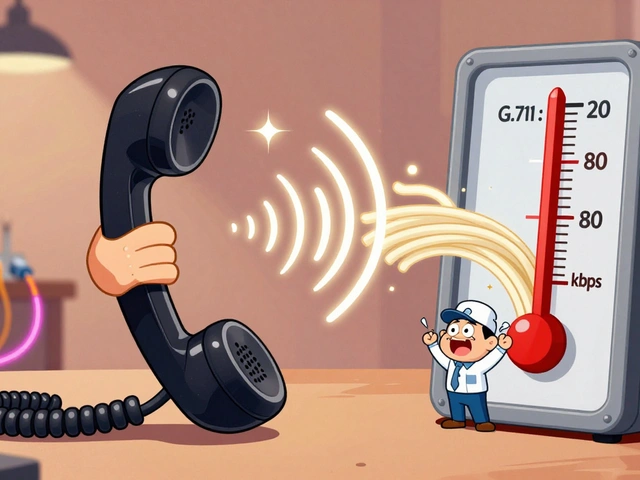
The root cause often lies in SIP audio routing, how voice packets are directed between endpoints and recording tools. If your system uses G.711 for calls but the recorder expects G.729, the audio stream gets dropped. Or worse—your firewall or NAT setup blocks the return path for incoming RTP packets. Even codec mismatch, when the calling device and recording software use incompatible audio formats can silence inbound audio. Many users assume the problem is with the recorder, but it’s rarely the software. It’s the network path.
Fixing this isn’t about buying new tools. It’s about checking three things: your codec settings, your audio routing rules, and your firewall/NAT configuration. Most VoIP systems let you force a single codec like G.711u across all calls—do that. Then verify your recording tool is listening on the right port and IP. If you’re using a softphone, make sure it’s not routing audio through a virtual device that doesn’t feed into the recorder. And always test with a local SIP client first—remote calls add layers of complexity like TURN servers and STUN that can break the chain.
What you’ll find below are real fixes from teams who’ve been there. No theory. No fluff. Just step-by-step checks for FreePBX, cloud PBX systems, and softphone setups. You’ll see how one team fixed inbound audio loss by disabling SRTP encryption on their recorder. Another fixed it by changing their jitter buffer from dynamic to fixed. These aren’t guesses—they’re documented solutions that work in production.
Why Your VoIP Call Recording Isn’t Capturing Inbound Audio: Fixing Mix, Mono, and Stereo Path Issues

Fix VoIP call recording issues where inbound audio is missing. Learn how stereo routing in Zoom, Teams, and other apps breaks recordings - and how to configure OBS or Audio Hijack to capture both sides properly.