Virtual Receptionist: How VoIP Systems Handle Calls Without a Human Answering
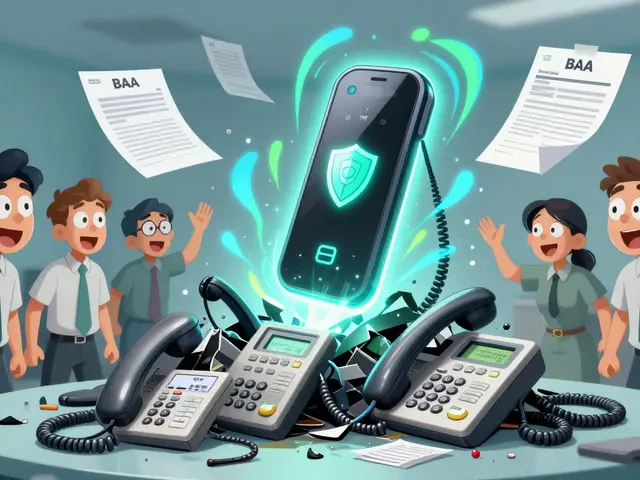
When you call a business and hear a friendly voice say "Your call is important to us, please hold"—that’s likely a virtual receptionist, a software-powered system that answers, routes, and manages incoming calls without a live person. Also known as auto-attendant, it’s the backbone of modern VoIP phone systems for small businesses, clinics, and remote teams. Unlike old phone menus that made callers rage-quit, today’s virtual receptionists use smart routing, AI tone detection, and CRM integration to feel almost human. They don’t get tired. They don’t take lunch. And they never hang up on you.
This system works by combining call routing, the process of directing incoming calls to the right person or department based on rules with VoIP receptionist, a digital interface that handles greetings, extensions, and voicemail. You can set it up to send sales calls to your sales team, support calls to your help desk, or after-hours calls straight to voicemail with a custom message. It’s not magic—it’s logic. And it’s built into platforms like Five9, Talkdesk, and RingCentral, which you’ll find referenced in the posts below.
What makes this different from a simple auto-attendant? Modern virtual receptionists learn. They recognize caller intent from keywords. They sync with your CRM so every call gets logged automatically. They can even transfer calls to a live person after asking a few questions—like "Are you calling about billing or tech support?"—and then pass along the context. That’s why companies using them see higher first call resolution rates and lower wait times. It’s not about replacing people. It’s about giving them better tools to do their jobs faster.
You’ll find posts here that explain how to set up ring groups and call queues so your virtual receptionist doesn’t get overwhelmed. Others show how to block spam calls before they even reach your system. There’s even a guide on how to fix audio issues when your virtual receptionist sounds robotic—because sometimes, the problem isn’t the software, it’s the network. If you’re running a small business, managing a remote team, or just tired of missing calls because you’re in a meeting, this collection gives you the real-world setup tips, common mistakes, and performance benchmarks you won’t find in vendor brochures.

Auto attendants automate call greeting and routing in VoIP call centers, cutting costs and wait times. Learn how to design one that customers actually use-not hate.